SAP SAPscript smart forms SE78 images
Often you will find images used within SAPScipts or Smart forms but you will not have the original image file so you will need to download it before you can make any changes. ABAP code is really the only way to effectively download these SAP images from se78 tcode to your local PC. The ABAP code linked below allows you simply enter the filename as shown in tcode SE78 and download the image(s) to your local PC. But first lets details how you will find these images on your SAP smart form.
First access the SAP smart forms transaction SE78 and enter the name of the smart form i.e. LB_BIL_INVOICE

Within the smart for locate the image you want to download and get its name and type

Now go to transaction SE78, select graphics and the type associated with your images (i.e. BMAP). Enter the name of the image on the right and press enter

its details should then be shown
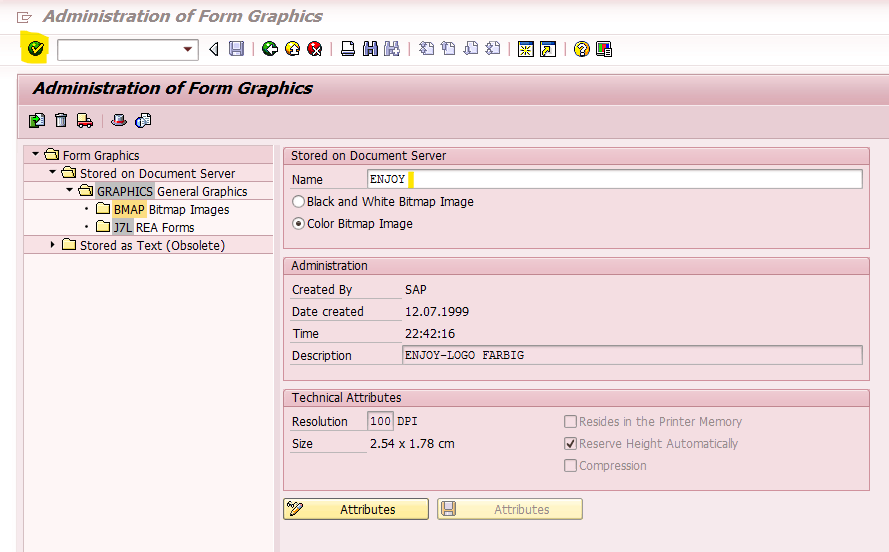
This is a inconstant tcode, you may need to use the drop down to find the image

Now enter the search criteria

and select the entry from the result

Once you have the images, choose menu option Graphic->Print Preview to view the image

to check it is the correct image

Then simply use the ABAP program link to download the image